

Start Here: The Files Most Sign Makers Ask For
If you are setting up a new machine or planning a busy production run, begin with the core documents first. These cover basic operation, safe handling, and the steps to get clean bends from the start. Keep a printed copy in the workshop and another in the van for site work, because small questions always come up at the wrong moment.
Our support files are written for South African conditions, including power interruptions, coastal moisture and mixed workshop environments. They are useful for teams in Midrand, Sandton, Pretoria, the East Rand, the West Rand and Durban, as well as installers travelling farther afield.
- Brochures for machine features and common applications
- Setup checklists for first use and relocation
- Care notes for daily and weekly maintenance
- Support documents for troubleshooting and training
How To Use The Setup Checklist
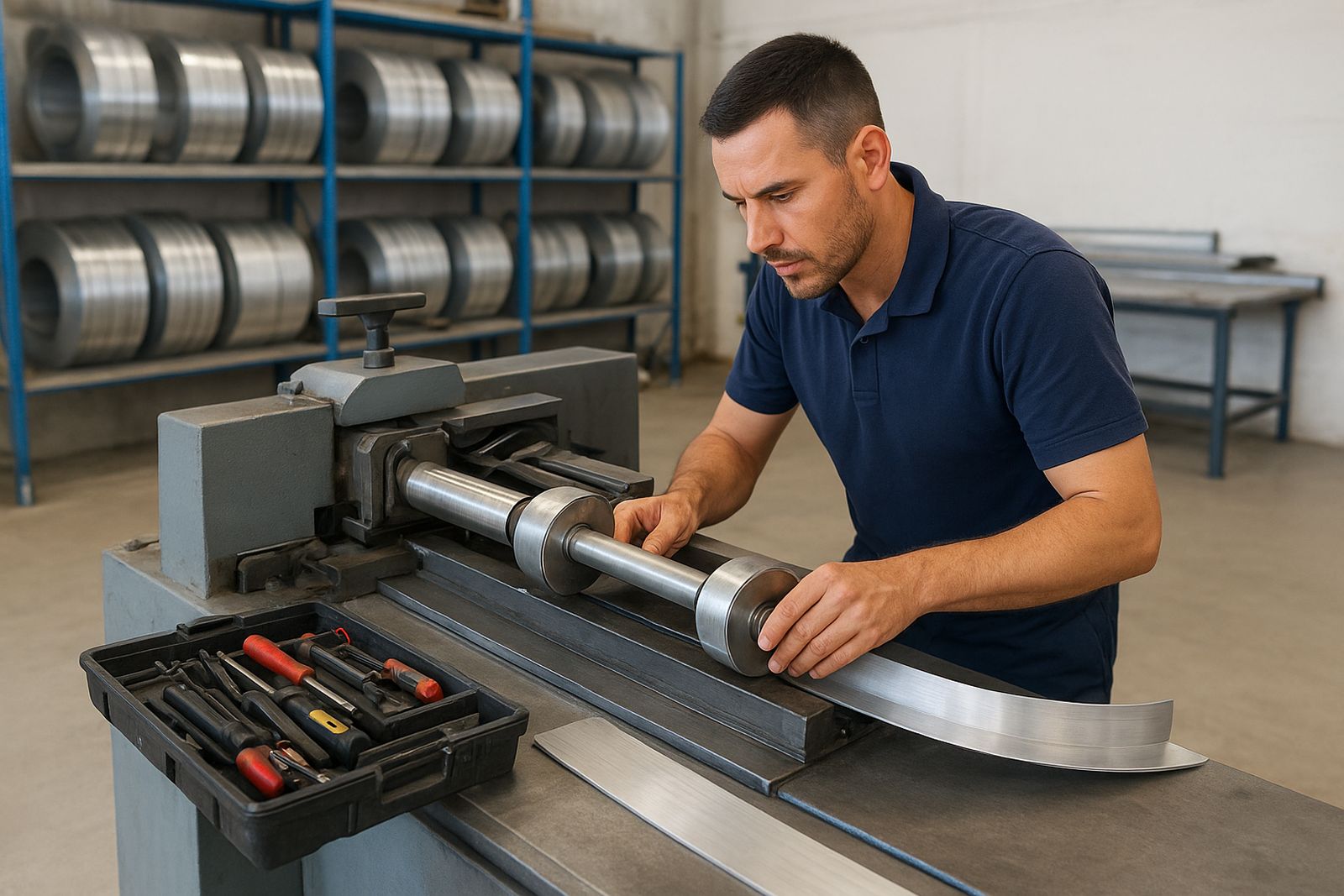
Before you switch on, work through the checklist step by step. This helps prevent damage to returns, guides and feed parts, and it also makes the first production run easier to control. A careful setup means fewer offcuts and less rework, which matters when sign jobs are already under pressure.
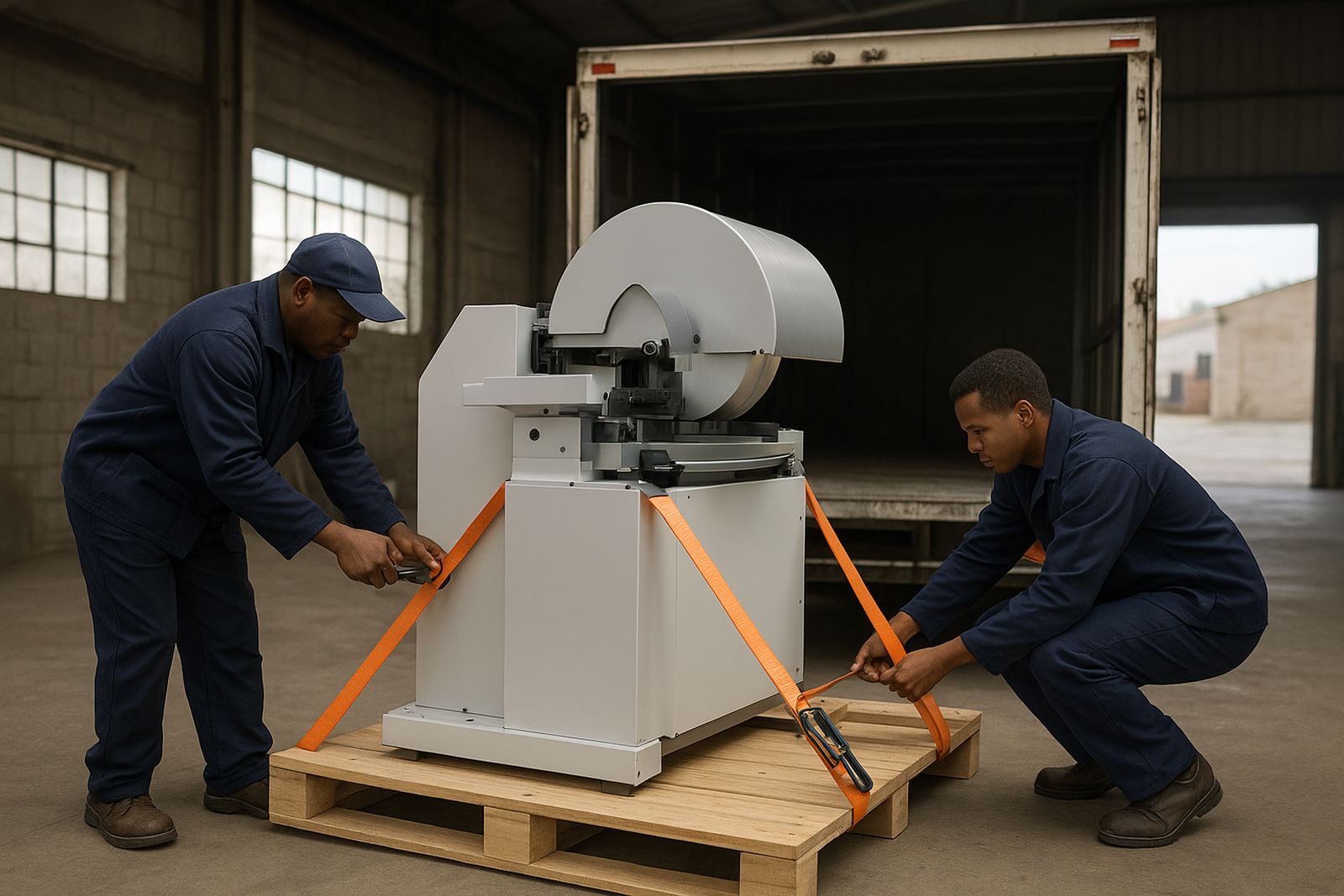
Use the checklist in this order: confirm the machine position, check the electrical supply, inspect all moving parts, test the feed path, then run a short sample bend. If the machine is being moved from one site to another, repeat the checks after transport. Even a short trip across town can affect alignment if the load was not secured properly.
- Check that the floor is level and the base is stable
- Confirm power supply and earthing before startup
- Test each control point with no material loaded
- Run a small sample coil before full production
Care Notes For Daily Workshop Use
Good care keeps production moving and helps protect your return on the machine. The daily notes are simple by design, with practical steps that fit a working sign shop. They suit teams handling short runs, custom letters and repeat production through the week.
In humid areas such as Durban and coastal KZN, wipe down exposed surfaces and store coils in a dry place after hours. In winter, workshop dust can build up around feed points and rollers, so a quick clean at the end of the shift pays off. After a load-shedding stop, reset the job carefully and check the last measurement before continuing. A rushed restart can spoil a full batch.
- Clean dust and offcuts from the working area daily
- Check moving parts for wear and loose fixings
- Store coils and returns away from moisture
- Keep a simple log of faults, repairs and service dates
Support Article: What To Do When The Bend Is Not Right
If the letter return is coming out too tight, too loose or uneven, stop the run and work through the fault in a calm order. Most problems are caused by setup, material choice or feed settings rather than a major breakdown. The aim is to isolate the issue before you change multiple things at once.
Follow these steps: first confirm the material thickness and width match the job spec, then inspect the guide path for debris or misalignment. Next, run a short test piece and compare the result with your drawing or template. If the bend still looks wrong, review the feed tension and operator settings. When needed, our technical team can talk you through the issue by phone or remote tech help, and Desigan Soobramoney can assist with installation planning if the machine has recently moved.
- Pause production and mark the faulty sample.
- Check coil size, return size and material finish.
- Clean the feed path and inspect wear points.
- Test again with a short sample length.
- Record the result and call for support if needed.
Training Sheets For New Operators And Refresher Use
Training notes are useful for new staff and for teams that need a quick refresher after a busy season. They keep the same language across shifts, which helps reduce mistakes when more than one person is working on the machine. Mamello Zwane can help coordinate refresher training for workshops that want a structured handover.
The sheets cover safe starting, material loading, sample bends, cleaning, and simple fault checks. They are also helpful for production coaching when a workshop is changing from hand finishing to machine-assisted output. If you are training across multiple branches or sites, use the same sheet everywhere so each operator follows the same method.
- New operator basics
- Refresher training after downtime
- Material selection notes for different sign jobs
- Onsite commissioning checklist for fresh installs
Need A File You Cannot Find?
If the document you need is not listed, send us a message and we will point you to the right file or talk you through the next step. Our support team works from the Midrand base and supports installations nationwide, so we can help whether you are in Pretoria for a small setup or on a coastal job where moisture and power cuts are part of the day.
To help us handle it, include your machine type, the job you are working on, and a short note on the issue. If the matter is urgent, mention whether production has stopped or if you only need a check before the next run. That gives us the right context and saves back-and-forth.
- Contact: our contact form
- Areas covered: Midrand, Sandton, Pretoria, East Rand, West Rand, Durban
- Support options: breakdown support, spares supply, preventive servicing and onsite commissioning